Locations & Zones
The WMS requires a strict hierarchy to map your physical warehouse. This hierarchy allows for efficient pathfinding during picking.
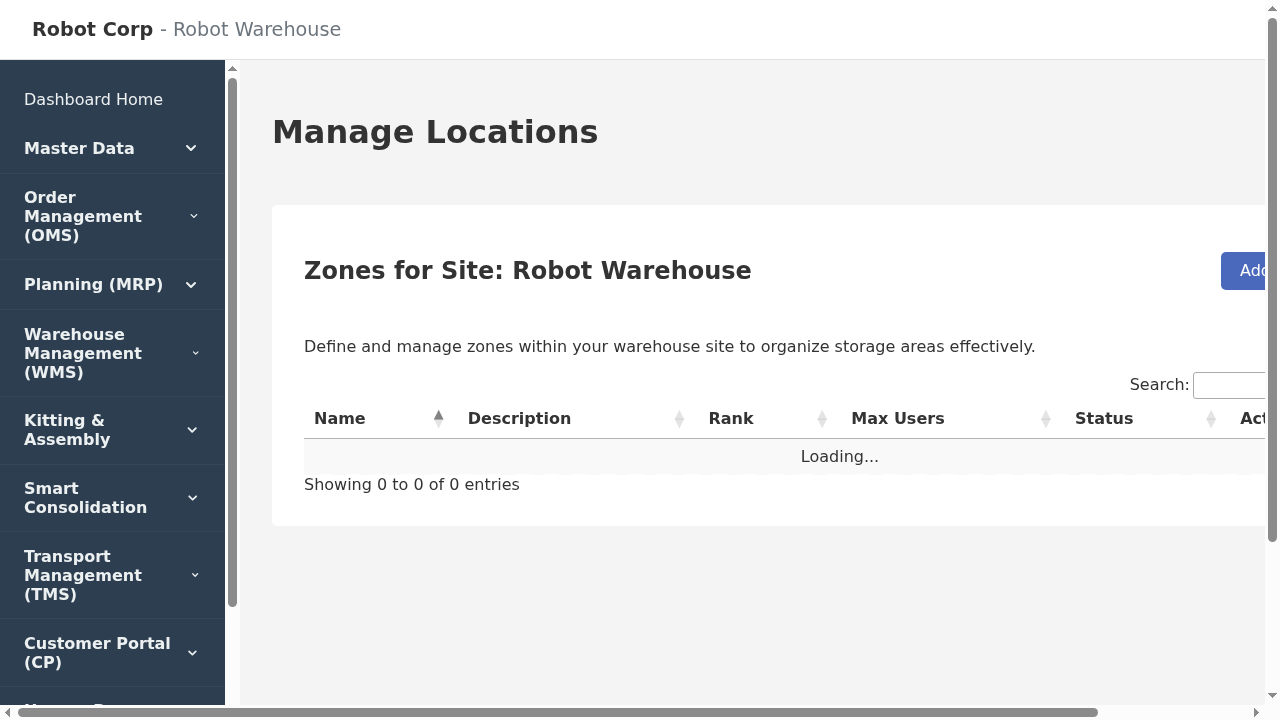
Location Management
The Hierarchy
- Site: The physical warehouse building.
- Zone: A functional area (e.g., "Bulk Racking", "Mezzanine", "Cold Storage").
Feature: You can set `Max Concurrent Users` on a zone to prevent congestion. - Aisle: A row within a zone.
- Location (Bin): The final address (e.g., `A-01-01`). Every location must have a Location Profile.
Location Profiles
Profiles act as templates for bins. Instead of entering dimensions for every single bin, you define a profile like "Standard Pallet Slot" (1.2m x 1.2m x 1.5m, 1000kg max). When you assign this profile to 500 locations, the system automatically knows the capacity of all of them.