Sales Orders
Sales Orders (SOs) drive the outbound workflow. They can be created manually, imported via CSV, or injected via the API.
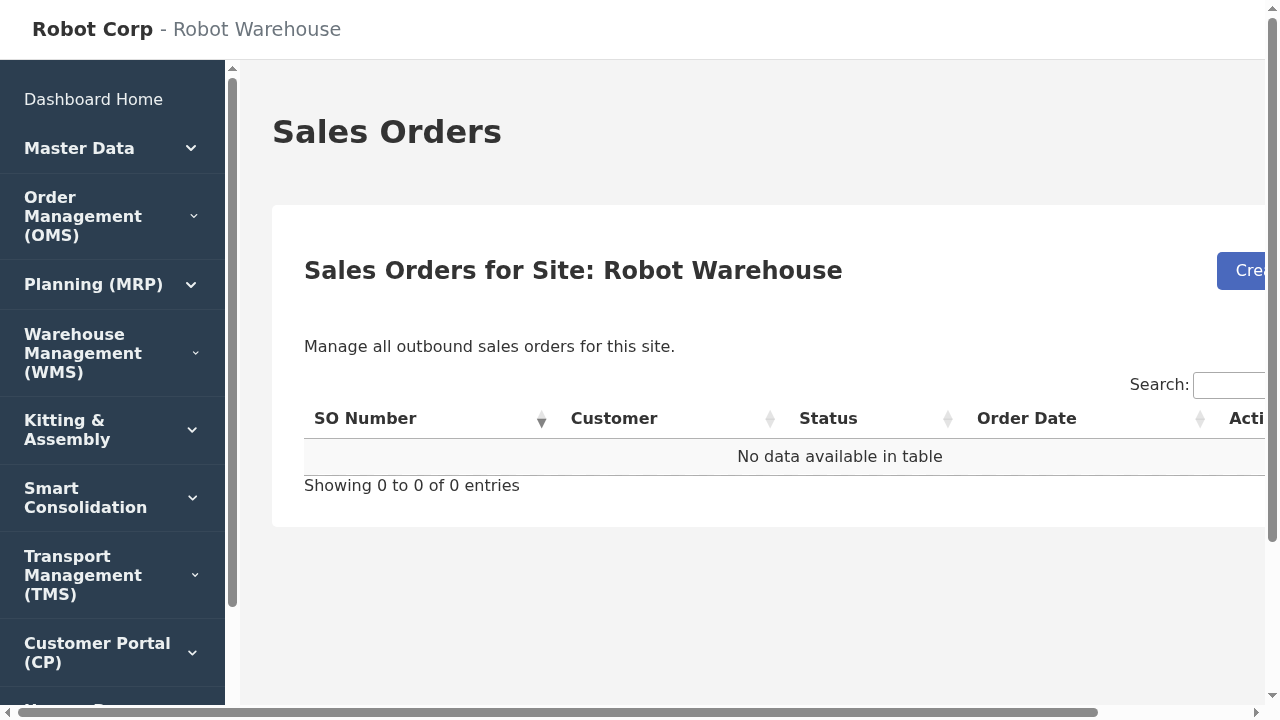
Sales Order List
Order Status Lifecycle
- DRAFT: Being edited. Inventory is not yet reserved.
- OPEN: Committed. The system is actively trying to reserve inventory via the Allocation Engine.
- FULLY_ALLOCATED: All stock has been reserved. A Pick Wave has likely been generated.
- PICKING / PACKING: Warehouse team is processing the order.
- FULLY_SHIPPED: Labels generated and goods have left the building.