Returns Management
The RMA module handles customer returns. Customers can request returns via the portal, or staff can create them internally.
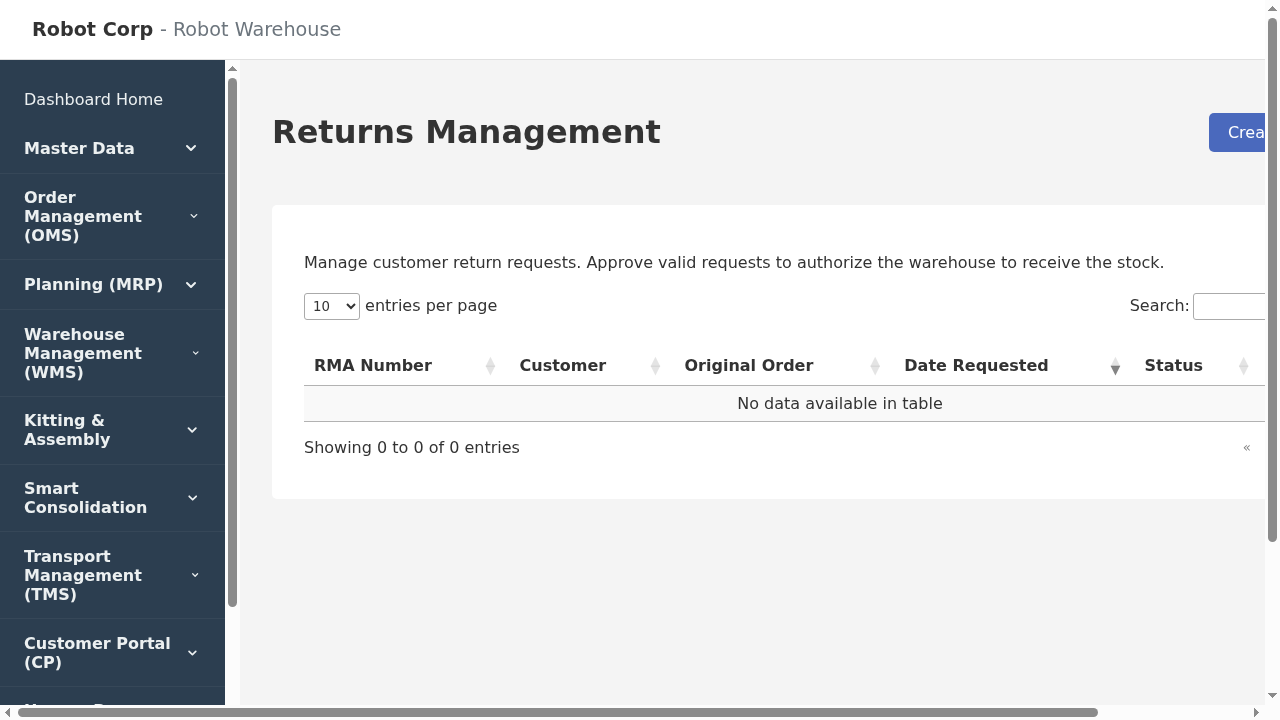
Returns Dashboard
Workflow
- Request: RMA created with reason codes (e.g., Damaged, Wrong Item).
- Approval: Admin approves the return and selects the receiving warehouse.
- Receiving: Warehouse staff scan the RMA and grade the item condition.
- Disposition: Sellable items return to stock; damaged items are quarantined.