Product Management
The Product Master Data (SKUs) is the single source of truth for all items stocked in your warehouses. Accurate product data is critical for the WMS to calculate bin capacity, shipping weights, and picking paths.
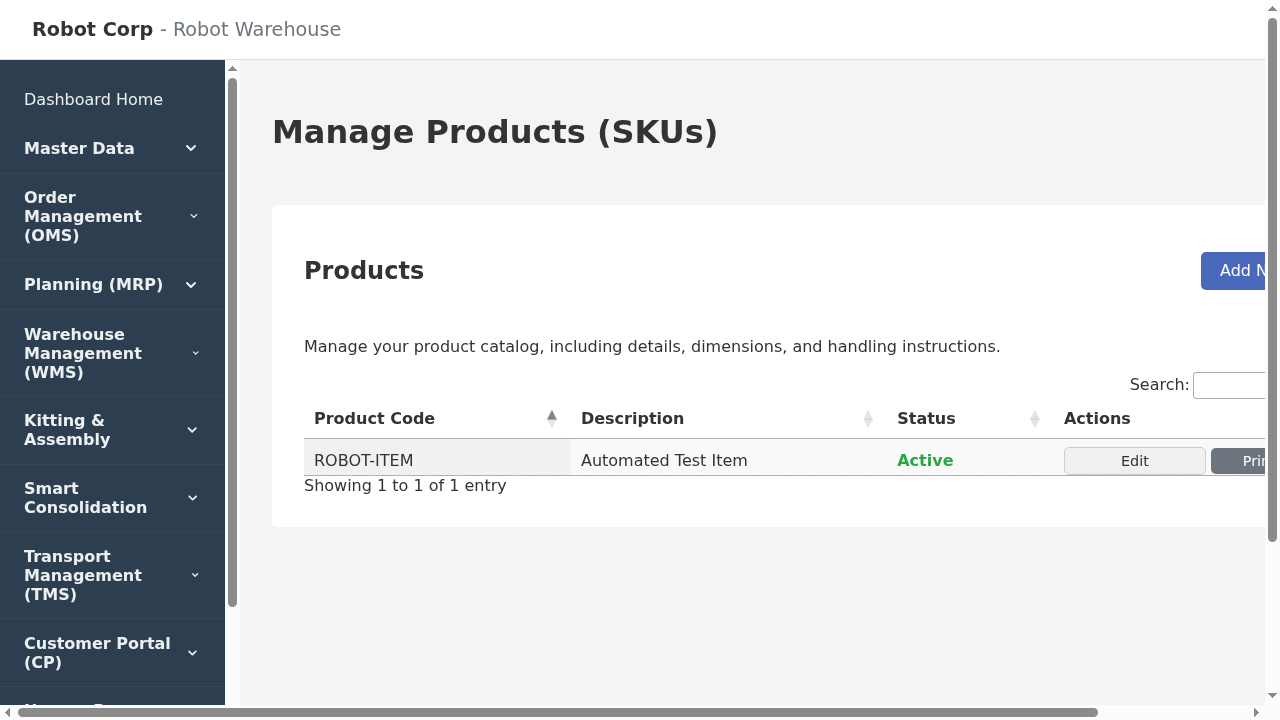
Creating & Editing Products
Clicking "Add New Product" or "Edit" opens the detailed configuration screen. This screen is divided into several logical sections.
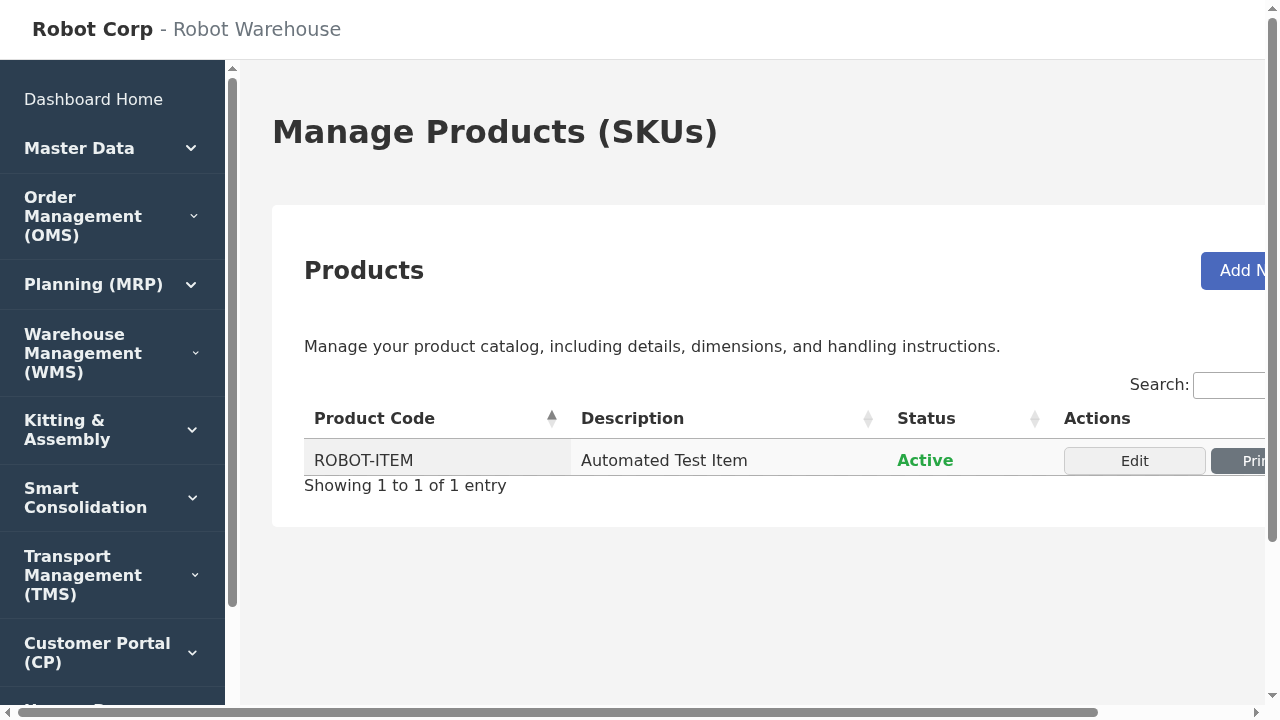
1. Primary Details
- Product Code (SKU): Unique identifier (e.g., `TSHIRT-BLU-MED`). Cannot be changed once created.
- Description: The internal name used by warehouse staff.
- Base Unit of Measure: The smallest unit you track (usually "Each").
- Status:
- Active: Visible and usable in operations.
- Inactive: Hidden from standard views, cannot be added to new orders.
2. Product Roles
Checkboxes that define how the system treats this item:
- Is Sellable: Can be added to Sales Orders.
- Is Consumable: Used for packing materials (boxes, tape). Stock is decremented during packing but not sold.
- Is Serialized: Forces operators to scan a unique Serial Number for every single unit received or picked.
3. Dimensions & Weight (Critical)
The system uses these values to calculate Consolidation logic (what fits in a box) and Putaway logic (what fits in a bin).
Note: These measurements apply to the Base Unit.
- Length / Width / Height (cm): External dimensions.
- Weight (kg): Gross weight of the single unit.
4. Safety Stock
Safety Stock Days: The MRP engine uses this to buffer against supply chain delays. If set to `7`, the system will recommend purchasing enough stock to cover lead time + 7 extra days of average sales.
5. Handling & Slotting
- Must Stand Upright: Alerts packers/stackers.
- Top Load Only: Ensures heavy items aren't stacked on top of this product.
- Incompatibility Groups: Assigns the product to groups (e.g., "Flammable", "Food"). The system will prevent mixing incompatible groups in the same bin.