How to Raise a Purchase Order
Follow these steps to order stock from a supplier.
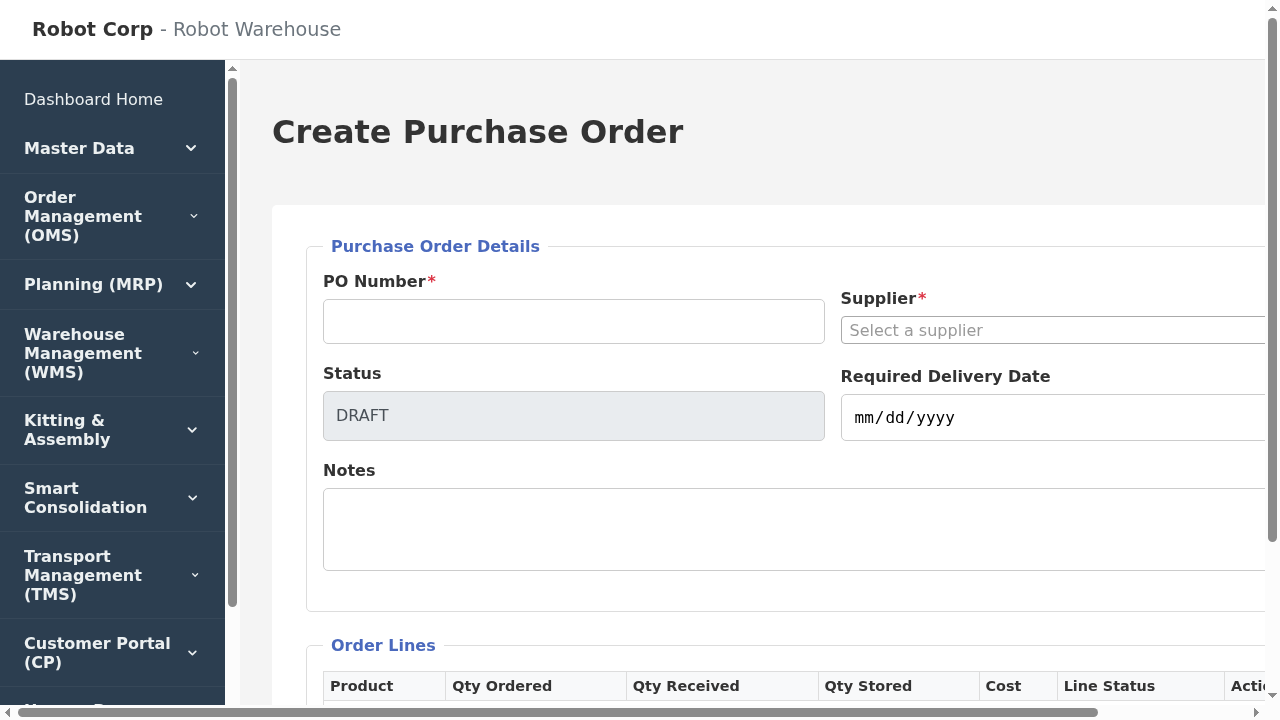
Creating a new PO
- Navigate to Order Management > Purchasing > All Purchase Orders.
- Click the Create New PO button.
- Select the Supplier from the dropdown list.
- Add line items by searching for the Product Name or SKU.
- Enter the quantity required for each line.
- Click Save Draft if you aren't ready to send it, or change the status to SUBMITTED to finalize it for receiving.